
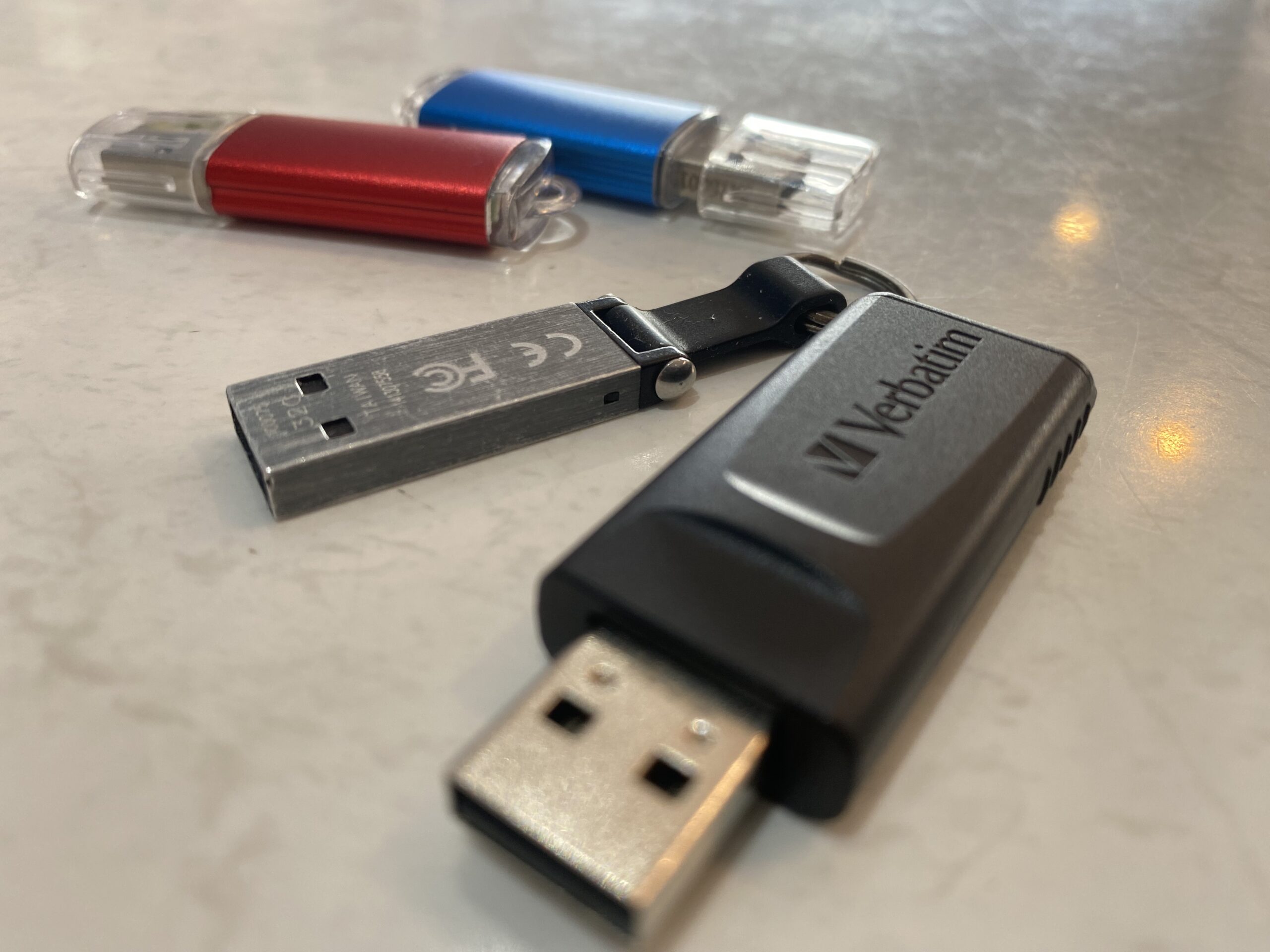
Let’s be honest — the trusty USB stick, flash drive, or thumb drive might be one of the most underrated bits of tech around Lithgow. While everyone’s talking about “the cloud,” we’re still here plugging in our memory sticks and saying, “Yeah mate, this just works.”
And the best part? No internet required, no logins, no waiting around for uploads. Just plug it in and off you go.
🧠 What Do You Call It?
Depending on who you ask around town, you might hear:
- USB stick
- Flash drive
- Thumb drive
- Jump drive
- USB dongle
- Or even the classic memory stick
Whatever you call it, it’s the same clever little gadget that can carry thousands of photos, documents, and even your D&D campaign maps in your pocket.
⚙️ Why USB Sticks Still Matter in 2025
Even with all the fancy new cloud options, a USB flash drive still shines for:
- Quick backups of important files or family photos
- Moving data between computers (especially if your Wi-Fi’s being dodgy)
- Running portable apps or installers
- Bootable tools for techs, gamers, and Linux lovers
- Offline storage — perfect for when you’re on the road or out bush
Here at Lithgeek, we see them as the digital equivalent of a multi-tool: small, tough, and endlessly handy.

🪟🍎🐧 How to Use a USB Stick on Your Computer
It’s dead simple, but here’s a refresher if you’re new to it:
On Windows
- Plug the stick in.
- Open “This PC” and find your USB under “Devices and drives.”
- Drag your files across.
- Right-click and select Eject before you remove it.
On Mac
- Plug it in and look for it on your desktop or in Finder.
- Copy or move your files.
- Drag it to the Trash (which turns into an Eject icon) before unplugging.
On Linux
- Pop it in and wait for it to appear under “Files.”
- Copy or move what you need.
- Right-click and choose “Unmount” before removing.
Easy as. 👌
💡 Choosing the Right Format
Different systems like different “languages.”
Here’s a quick rundown:
Pro Tip: If you’re using your USB across multiple devices, go with exFAT — it’s the friendliest of the bunch.
🔌 USB Sticks vs External Hard Drives
Sometimes you just need a quick memory stick, other times you need the big guns — an external hard drive.
Here’s how to decide:
- USB stick: Great for portability, small backups, or moving files.
- External hard drive: Perfect for gamers, photographers, and anyone storing serious amounts of data.
Not sure what’s right for you? Come by 85 Main Street, Lithgow, and we’ll point you in the right direction — no tech snobbery, just honest geek talk (and maybe a banana or two 🍌).
🚀 Final Thoughts from the Lithgeek Crew
A USB stick might be tiny, but it’s still one of the handiest bits of kit in your tech toolbox. Whether you call it a flash drive, thumb stick, or USB doohickey, it’s the go-to gadget for when you just need to get stuff done.
So next time you’re in town, swing by Lithgeek Lithgow or visit www.lithgeek.com to grab a new USB stick or hard drive.
We’ll even help you format it, label it, and teach you a trick or two along the way.