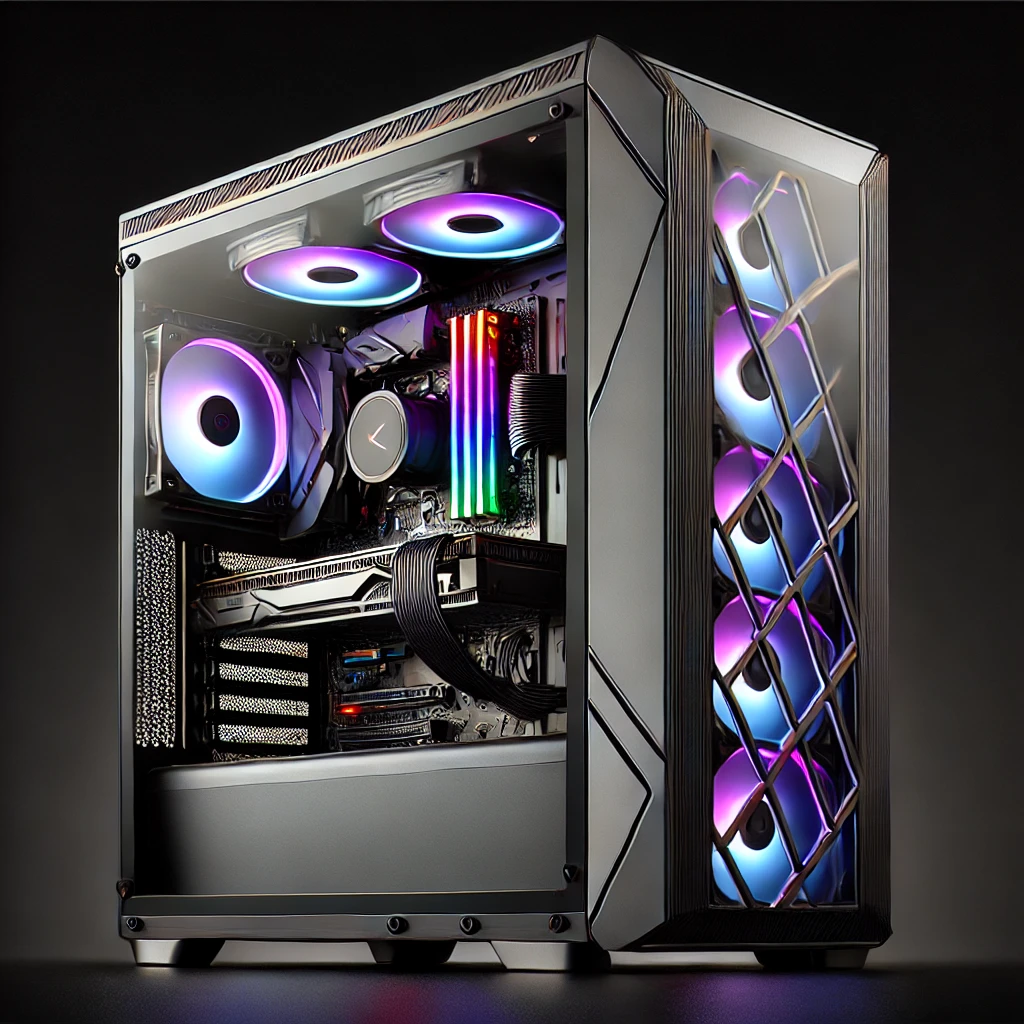

Hey legends! Whether you’re grinding in Call of Duty, crafting in Minecraft, or battling bosses in Baldur’s Gate 3, your gaming PC is your portal to other worlds. But even the mightiest rig needs a bit of TLC now and then.
Here are 10 simple but powerful ways to keep your gaming computer smiling (and running like a dream)—from your mates at Lithgeek in Lithgow!

1. 🧹 Give It a Physical Clean
Dust is the enemy! It blocks airflow, overheats components, and makes your fans scream louder than a banshee. Clean your case fans, vents, and filters every couple of months with compressed air. If you have pets, maybe even more often!
2. 🔄 Update Drivers Regularly
That epic new game stuttering? Could just be outdated graphics drivers. Keep your GPU (NVIDIA or AMD), motherboard chipset, and even sound card drivers up to date.
3. 🧊 Check Temps
Use tools like HWMonitor or MSI Afterburner to keep an eye on your CPU and GPU temperatures. If your system’s getting hotter than a summer in Dubbo, it’s time to rethink airflow or reapply thermal paste.
4. 📦 Free Up Storage
Full SSDs slow down performance. Keep at least 10–20% of your drive space free. Uninstall old games (yes, even that one you swore you’d finish), and move big files to external storage.
5. 🧽 Tidy the Inside—Cables Matter
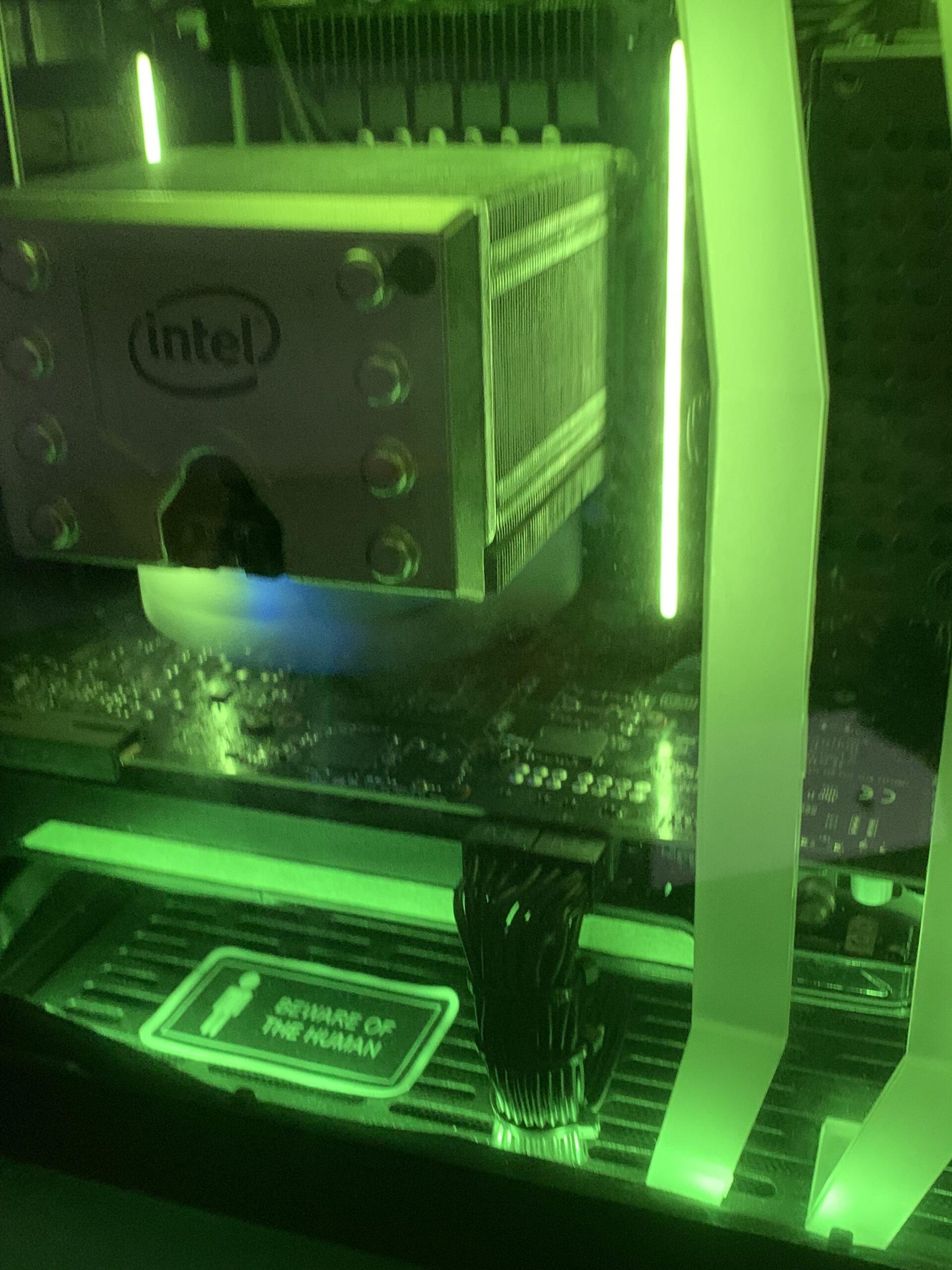
Good cable management = better airflow = a happier, cooler computer. Plus, it looks tidy and pro. Bonus points if you get creative with custom cable sleeves or RGB zip ties!
6. ⚡ Use a Surge Protector
Lithgow weather can get a bit wild, and a power surge can fry your rig faster than you can say “respawn.” Get a proper surge protector or even better—a UPS (Uninterruptible Power Supply).
7. 🕹️ Adjust In-Game Settings for Longevity
You don’t need to run every game on Ultra if your system is struggling. Keeping your GPU from overheating will help it last longer and keep gameplay smoother.
8. 🧠 Run Regular Malware Scans
Even if you’re savvy, it’s good practice to scan for nasties now and then. Just avoid dodgy free antivirus tools—some are worse than the malware!
9. 🔁 Backup, Backup, Backup
Use cloud services or external drives to backup your game saves, screenshots, and even system settings. World Backup Day is in March, but every day can be backup day with the right habits.
10. 🎨 Show It Some Love With Custom Mods
Why settle for boring beige? Custom lighting, case mods, and themed builds (Star Wars PC anyone?) make your system feel truly yours. And yep—we can help you design one right here at Lithgeek. Steampunk monkey mascot optional… but encouraged 🐵🎩💡
🛠️ Need a Hand?
At Lithgeek, we’re not just about selling parts—we’re about crafting your dream setup. Whether you’re in Bathurst, Orange, Katoomba, or Dubbo, we can help you build, clean, tweak or upgrade your gaming PC with honest advice and geeky passion.
Pop by the shop at 85 Main Street Lithgow or visit us online at lithgeek.com. And don’t forget—Geek Shirt Fridayscome with a cheeky discount if you show up repping your nerd cred!