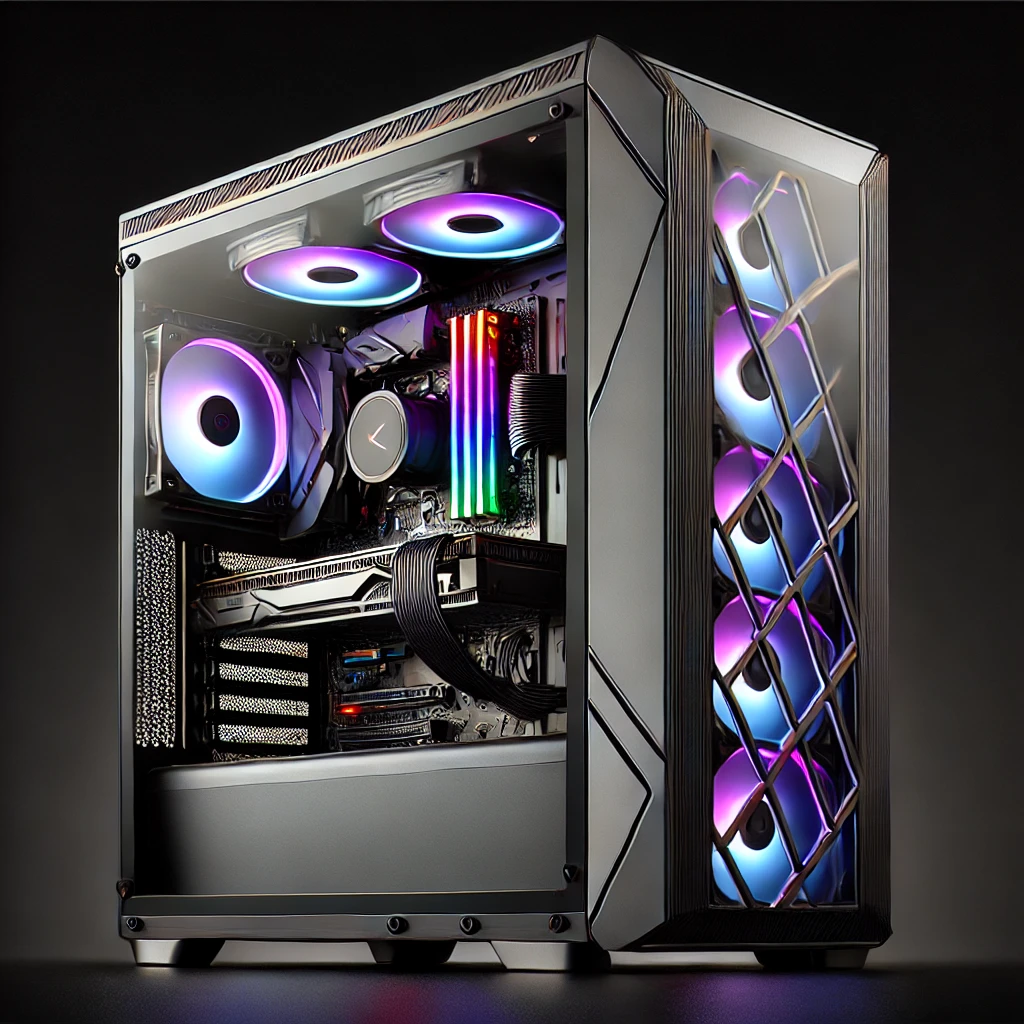

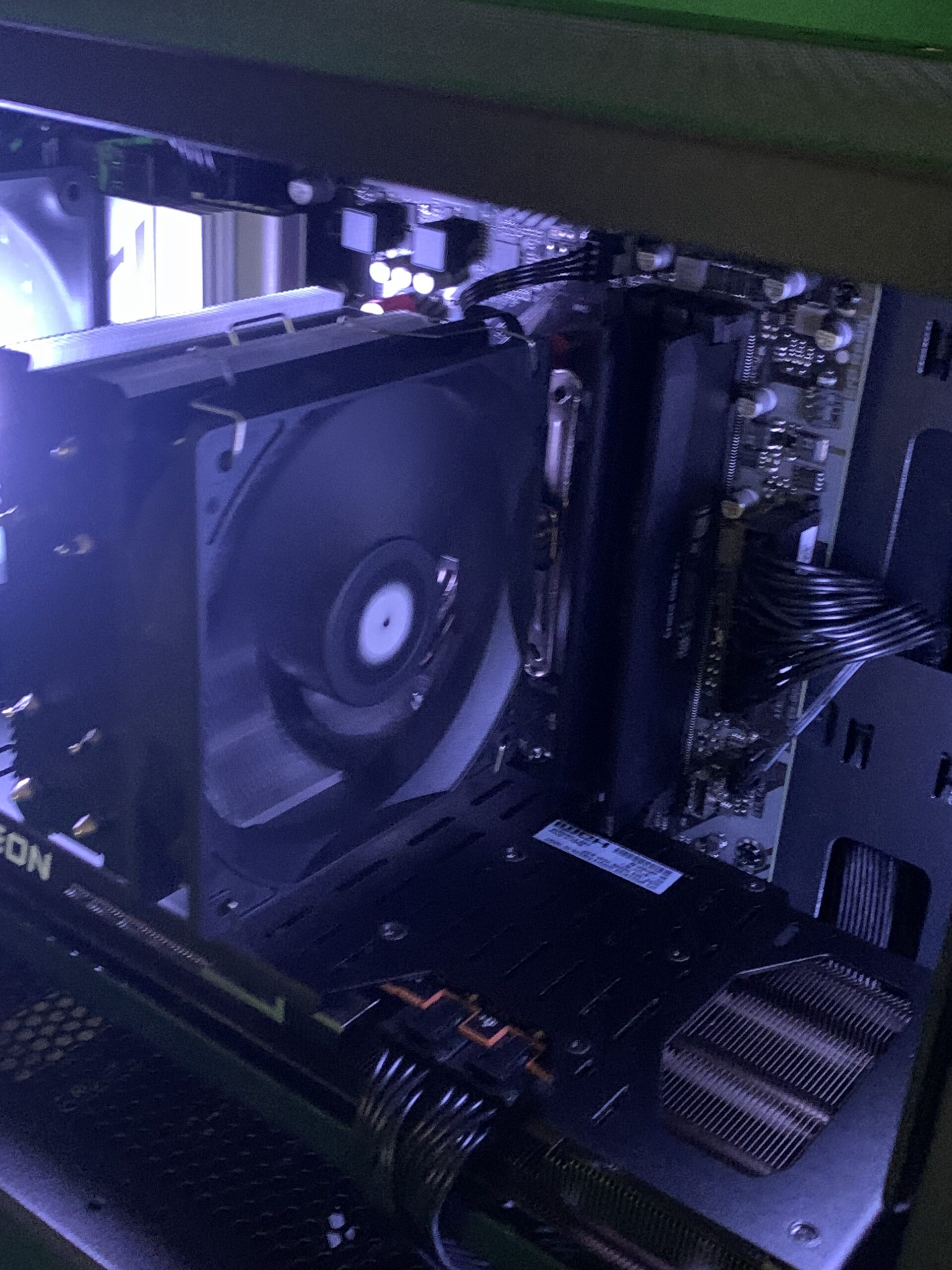
So someone in your life — maybe you, maybe your kid, maybe both — has decided it’s time to get a gaming PC. Welcome. You’re in the right place, and we promise this isn’t going to be a confusing wall of tech jargon.


We build custom gaming computers here in Lithgow, and the thing we hear most often from new customers is some version of: “I don’t really know what I’m looking at.” That’s completely normal. The gaming PC world can feel overwhelming — full of acronyms, big numbers, and opinions from people on the internet who seem to think everyone already knows what a PCIe 5.0 lane is.
You don’t need to know all of that. But you do need to understand the basics before you spend your money. So let’s walk through the key parts of a gaming PC, explain what they actually do in plain English, and talk honestly about why where you buy matters just as much as what you buy.
The Parts That Matter (And What They Actually Do)
1. The GPU — The Graphics Card
If there’s one part that matters most for gaming, it’s this one. The GPU (Graphics Processing Unit) is the component that creates everything you see on screen — the landscapes, the explosions, the tiny details that make a game feel alive.
Think of it like this: your CPU is the brain of the computer, but the GPU is the specialist artist whose entire job is drawing the world you’re playing in. The better the GPU, the smoother and more beautiful your games will look, especially at higher screen resolutions.
When people talk about “what resolution can this PC run?” or “can it do 60 frames per second?”, the GPU is almost always the deciding factor. It’s usually the most expensive component in a gaming PC, and it should be — it’s doing the heavy lifting.
What to ask: What games do you want to play, and at what quality? We size the GPU to your goals, not just whatever’s in stock.
2. The CPU — The Processor
The CPU (Central Processing Unit) is the brain of the operation. It handles everything that isn’t graphics — game logic, physics, your operating system, running background programs, and communicating with every other component.
In gaming, the CPU matters more for some types of games than others. Open-world games with lots of AI and physics (like strategy games or simulation games) lean heavily on the CPU. Fast-paced shooters and visually intensive games tend to lean more on the GPU.
A mismatched pair — a powerful GPU bottlenecked by a weak CPU — is one of the most common and wasteful mistakes in pre-built gaming computers. At Lithgeek, we balance the two intentionally, because an unbalanced system is money wasted.
3. RAM — Your Short-Term Memory
RAM (Random Access Memory) is your computer’s short-term workspace. It stores everything that’s currently active — your game, your browser, your Discord call, the background processes running quietly behind the scenes.
More RAM means the system can juggle more at once without slowing down. For gaming in 2025, 16GB is a solid baseline, and 32GB is increasingly recommended if you stream, record, or have a lot running in the background.
The speed of RAM also matters. Faster RAM gives your CPU more bandwidth to work with, and yes — we do actually think about this when building your system.
4. Storage — Where Everything Lives
There are two types of storage you’ll hear about:
HDD (Hard Disk Drive) — older, slower, cheaper, and great for storing large files like videos or old games you don’t play often.
SSD (Solid State Drive) — faster, more reliable, and what you want your main games and operating system running on. The difference in load times between an HDD and a good SSD is genuinely dramatic.
For a gaming PC, we typically recommend an NVMe SSD as the primary drive. These are fast enough that games that used to take a minute to load are now ready in seconds. If you have a large game library, adding a secondary HDD for overflow storage is a sensible and affordable option.
5. The Motherboard — The Foundation
The motherboard is the circuit board that everything plugs into. It connects the CPU, RAM, GPU, storage, and all your peripherals. It might not sound exciting, but choosing the right motherboard matters enormously — it determines which CPUs you can use, how much RAM you can install, and how much room you have to upgrade later.
A cheap motherboard in an otherwise powerful system is a common corner-cutting tactic used by big pre-built manufacturers. We don’t do that. The motherboard is the foundation of the whole machine, and a shaky foundation creates problems down the road.
6. The PSU — The Power Supply
The PSU (Power Supply Unit) converts power from your wall into the clean, stable power your components need. It sounds boring. It is not boring.
An underpowered or low-quality PSU is a fire hazard, a system stability nightmare, and the fastest way to kill expensive hardware. You should never cheap out on the power supply, and yet this is exactly where many pre-built manufacturers cut corners to hit a price point.
We use quality, appropriately rated PSUs in every build — because we’d rather tell you the honest cost upfront than have you come back with a dead GPU.
7. The Case and Cooling
The case is the chassis that holds everything together, and cooling is how you keep it all from overheating. These two go hand in hand.
Good airflow inside the case means components run cooler, last longer, and perform better under sustained load. Cases with good airflow, quality fans, and (if needed) liquid cooling solutions make a real difference — especially if your computer is going to be doing heavy gaming sessions.
And here’s where Lithgeek gets to have a bit of fun: we can also make it look incredible. RGB lighting, custom paint, themed builds, UV-reactive elements, case mods — if you can imagine it, we’ve probably built something like it. Your computer doesn’t have to just be a box.
Why Custom is Better Than Pre-Built (From a Big Box Store)
Here’s the honest truth: the major brands selling pre-built gaming computers are in the business of volume. They build thousands of the same machine, optimise for a price point, and ship them out. By the time you’ve handed over your money, you’re a transaction — not a customer.
That creates some specific problems:
They balance to a price point, not to your needs. A $1,500 pre-built might have a great GPU paired with a mediocre CPU and a slow hard drive, because it looks impressive on paper but the actual experience doesn’t match what you paid for.
The components are often lesser-known brands. To hit their margin targets, big manufacturers frequently use off-brand PSUs, generic RAM, and stripped-back motherboards — none of which are highlighted on the box.
Upgrades are awkward or impossible. Many pre-builts use proprietary parts or cramped cases specifically designed so that upgrading means buying a whole new system from them.
After-sales support is a call centre. Not a person who knows your machine and cares whether you’re happy with it.
What You Get With a Lithgeek Custom Build
When you come to us, we start by asking what you actually want. What games do you play? What’s your budget? Do you want something that looks cool, or do you just want maximum performance in a plain case? Do you want room to upgrade in two years?
We build the machine around those answers — not around what we happen to have in stock.
Every component is chosen deliberately. We tell you what’s in your computer, why it’s in there, and what to expect from it. If a part doesn’t fit your needs, we won’t put it in just to hit a price point.
And when the build is done, we’re still here. We’re local — 85 Main Street, Lithgow. You can walk in and talk to the person who actually built your computer. That’s a very different experience from a support ticket with a company headquartered overseas who’s already moved on to the next sale.
We’re not just building computers. We’re building something you’ll use every day, for years — and we genuinely want you to love it.
Ready to Talk?

Time for your own Gaming PC
Award Winning Agency
We can help you build your dream Gaming PC
Have a meeting with our system designer and we can talk about what kind of system will bring you the most joy!
If you’re thinking about a gaming PC and you’re not sure where to start, come in and have a chat. No pressure, no upsell, no jargon unless you want it. We’ll figure out what you need and build it properly.
LithGeek Custom Gaming Computers
85 Main Street, Lithgow NSW 2790
📞 02 6353 1669
✉️ info@lithgowtech.com
Monday–Friday 10am–5pm | Thursday until 9pm
We build rigs. We care about the people in them.
By the Lithgeek Team | LithGeek Custom Gaming Computers, Lithgow NSW